
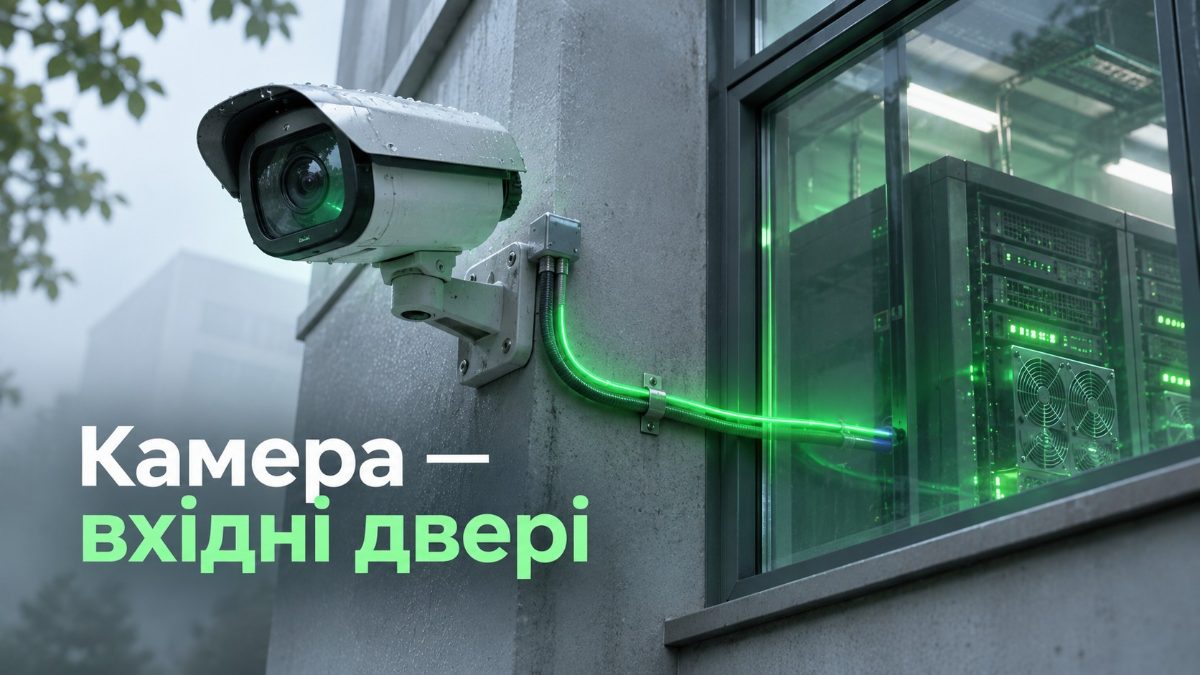
A video surveillance system can become a front door for hackers. On November 13, 2026, Huntress researchers reported a new wave of attacks through GeoVision camera software. From November 8 to 10, 13 organizations from different industries suffered. They all had one thing in common: their video surveillance software was exposed to the internet.
How the attack through video surveillance worked
The attackers looked for computers with GeoVision software reachable from the internet. Then they used the camera management service to run commands with the highest system privileges.
After that, the attack went through several steps:
- Reconnaissance. First, a script checked whether Microsoft Defender was running on the computer.
- Disabling protection. Next, the attackers loaded a vulnerable driver that others had already abused to attack antivirus tools. In addition, they changed system settings so that Defender components could not start.
- Persistence. Then a malicious loader created scheduled tasks. These tasks started it every 15 minutes and at every system boot.
- Mining. Finally, the XMRig cryptominer, disguised as an update, landed on the computer.
This time the goal was cryptocurrency mining. However, an attacker can use the same access to steal data, encrypt the network or attack other company systems.
Why cameras become a weak spot
Many companies treat video surveillance as “physical” security and leave it out of their cyber defense plan. For example, they put cameras and recording servers on the same network as office computers. They also open remote access from the internet for convenience and do not update the software for years.
As a result, the system that should protect a facility becomes an entry point into the corporate network. We have already written that hacker groups like to use cameras and routers for their botnets, for example in the article about old vulnerabilities in the CISA KEV catalog.
What system owners should do
- Remove public access. Camera software and management interfaces should not be reachable from the internet. Instead, connect to them only through a VPN or from trusted addresses.
- Separate video surveillance from the network. Cameras, recording servers and access control systems should run in a separate network segment behind a firewall.
- Look for traces of an attack. Pay attention to unusual PowerShell processes, new scheduled tasks and high CPU load.
- Keep software updated. Camera software needs regular updates just like office computers.
Read also: WatchGuard fixes 18 vulnerabilities in Fireware OS; Ukraine climbs to 6th place worldwide for data breaches; Ransomware in 2026: what the new Bitdefender report shows.
How S-byte combines physical security and cybersecurity
S-byte builds both video surveillance systems and cyber defense. Therefore, we see where these two areas meet:
- Video surveillance systems. We design and install cameras with secure settings, updated firmware and no outside access.
- Access control systems. We install access control so that it does not become a loophole into the corporate network.
- Information security audit. We find cameras, recording servers and other devices exposed to the internet and check them for signs of compromise.
- Network segmentation. We move video surveillance and access control into a separate segment behind Fortinet and WatchGuard firewalls and set up VPN access.
- Technical support with SLA. We update camera and security system software on time.
Do you know whether your video surveillance is open to the internet? Contact S-byte, and we will check your cameras and network.